Key findings
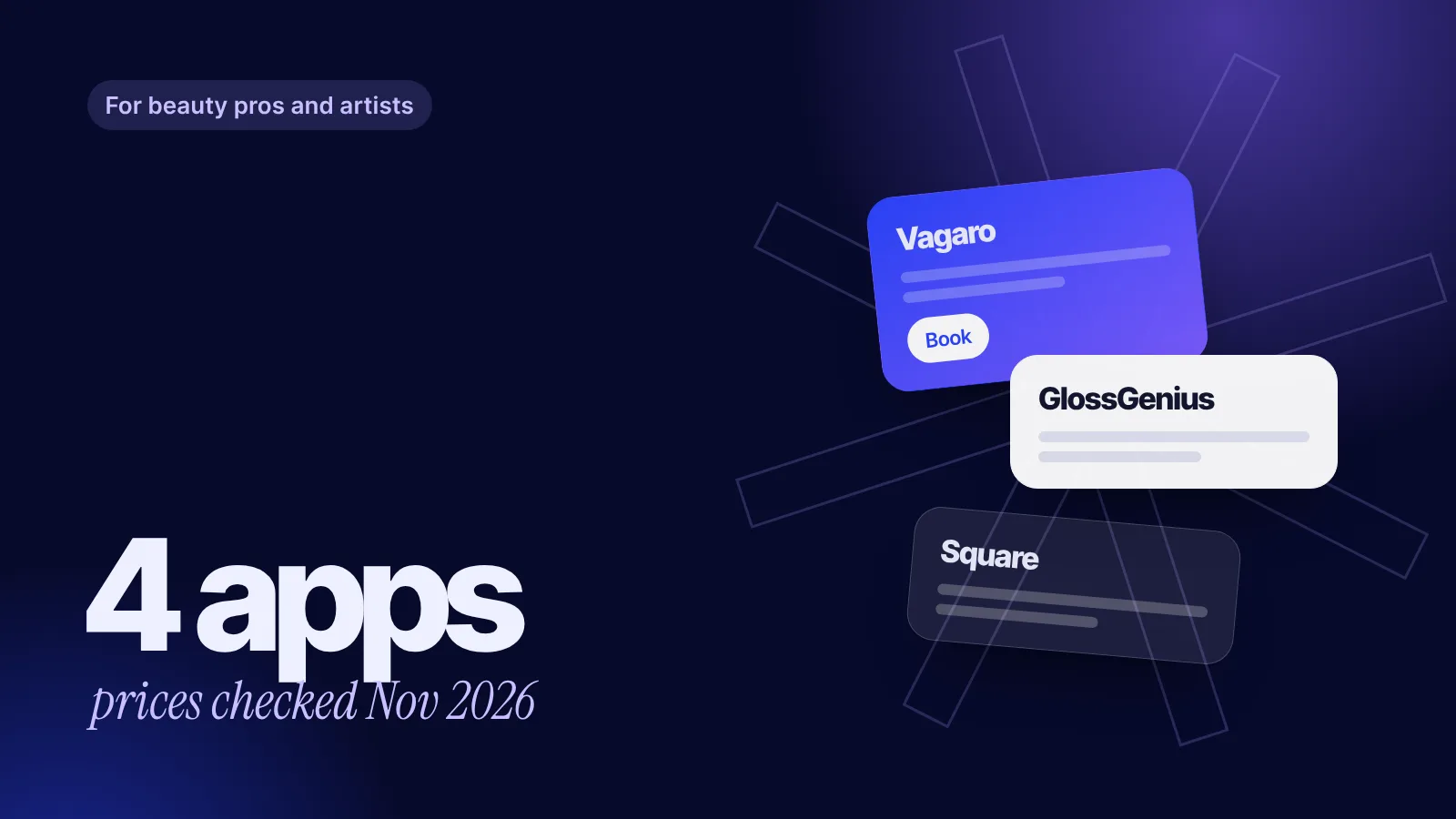
- Starting prices (checked November 2026): Square Appointments free for one location, Vagaro $23.99/mo intro rate, GlossGenius $24–28/mo, Booksy $29.99/mo.
- Card fees matter as much as the monthly price: in-person rates run from about 2.4% to 2.6% plus a fee per payment.
- Booksy charges a one-time 30% fee (capped at $100) on new clients it brings through Boost.
- Whatever you pick, put the booking button on your own website so the algorithm doesn’t own your calendar.
The numbers, side by side
Prices from each company’s own pricing page, checked in November 2026. They change often, so confirm before you sign.
| Starts at | In-person card fee | Good to know | |
|---|---|---|---|
| Square Appointments | Free (1 location); Plus $29/mo | 2.6% + 15¢ (Free), 2.5% + 10¢ (Plus) | Online payments 2.9% + 30¢ |
| Vagaro | $23.99/mo intro (then $30) | Not listed on the page | Add-ons like forms ($10) and texts ($20) |
| GlossGenius | $24/mo yearly, $28 monthly | 2.4% + 15¢ | Card-on-file 3.4% + 15¢ |
| Booksy | $29.99/mo + $20 per extra staff | 2.49% + 10¢ (card reader) | Boost: 30% of a new client’s first visit, max $100 |
Which fits whom
- Solo, just starting: Square’s free plan keeps costs at zero until you’re busy.
- Solo, polished brand: GlossGenius is built around a clean client experience and simple pricing.
- Growing salon or spa: Vagaro’s add-ons (forms, marketing, payroll) cover more of the business as you add staff.
- Want new clients from the app: Booksy’s marketplace and Boost can bring them, at a one-time fee per new client.
How it should work on your website
Every one of these gives you a booking link or widget. Put it in your site’s header and on every service page, set deposits and cancellation rules inside the app, and show those policies on your site in plain words. Your website should show the work and answer questions; the app handles the calendar.
Action items
Tick them off as you go. Nothing here needs a developer to start.
- List what you need: deposits, forms, gift cards, memberships, payroll, multiple staff.
- Estimate a month of card payments and compare the fee, not just the subscription.
- Start a free trial of your top two and book yourself as a client on your phone.
- Put the booking link in your website header and on every service page.
- Write your deposit and cancellation policy once and show it on the site.
FAQ
Square Appointments has a free plan for one location. Among paid plans, Vagaro and GlossGenius start around $24–30 a month (prices checked November 2026).
Yes. All four apps offer a booking link or widget you can add to your own site.
No. A good website connects the booking app you already use.
Anastasia Dvorzhanska is the founder of Beginning, a women-founded design studio in Los Angeles. 12+ years designing websites, checkouts and brands for growing businesses. More articles