Key findings
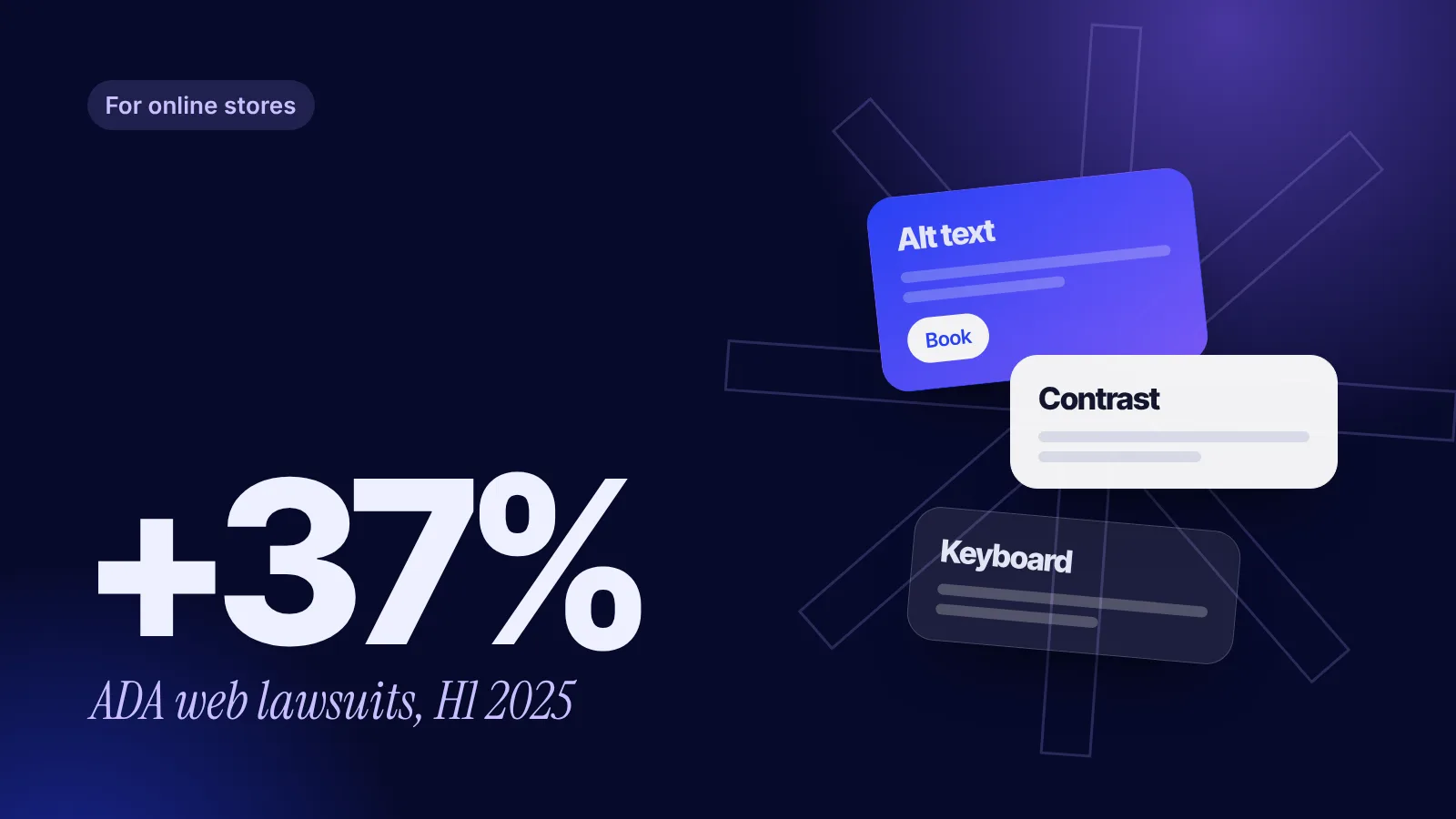
- More than 2,000 ADA website lawsuits were filed in the first half of 2025, up 37% year over year (Clym data via Stacker).
- Nearly 70% targeted ecommerce, and most of those defendants had under $25 million in revenue.
- The DOJ’s web rule with WCAG 2.1 AA deadlines covers state and local governments; its deadlines moved to 2027–2028. Private-business rulemaking is paused.
- No rule for private businesses doesn’t mean no risk. Lawsuits are filed anyway, and WCAG 2.1 AA is the standard people measure against.
Who actually gets sued
Data published by the accessibility company Clym counted more than 2,000 ADA website lawsuits in the first half of 2025, a 37% increase on the same period in 2024. Nearly 70% targeted ecommerce retailers, and most of those had under $25 million in revenue. In other words: small and mid-size online stores.
The rules are confusing. In April 2026 the Department of Justice extended its web accessibility deadlines for state and local governments to April 2027 and 2028, keeping WCAG 2.1 AA as the standard. For private businesses, the legal blog of the law firm Seyfarth Shaw notes that federal rulemaking is paused indefinitely. Lawsuits don’t wait for rules, though, and WCAG 2.1 AA is what claims are usually measured against.
The checklist
- Alt text on every meaningful image. Product photos describe the product. Decorative images get empty alt text.
- Readable contrast. Body text needs a contrast ratio of at least 4.5:1 against its background.
- Everything works with a keyboard. Menus, filters, cart, checkout and pop-ups, with a visible focus outline.
- Labeled buttons and icons. A cart icon needs a label a screen reader can say: “Cart, 2 items”.
- Forms with real labels. Placeholder text isn’t a label. Errors explain what to fix.
- Headings in order. One main headline, then sections. Screen reader users navigate by them.
- Captions on video. And no auto-playing sound.
- Zoom without breaking. The page should work at 200% zoom on a phone.
How to check, for free
Run your homepage, a product page and checkout through a free checker like WAVE or Google Lighthouse. Then try the whole purchase with only your keyboard. Automated tools catch a lot, but not everything; a keyboard test catches what they miss.
Action items
Tick them off as you go. Nothing here needs a developer to start.
- Run WAVE or Lighthouse on your homepage, a product page and checkout.
- Fix contrast and missing alt text first; they’re the most common issues.
- Complete one full purchase using only the keyboard.
- Label every icon button, especially cart, search and menu.
- Add an accessibility statement with a way to report problems.
FAQ
Yes. Most 2025 ADA website lawsuits targeted ecommerce stores, many with under $25 million in revenue.
There’s no final federal web rule for private businesses; rulemaking is paused. Courts and claims usually measure against WCAG 2.1 AA.
Overlays don’t fix the underlying code. Fixing contrast, labels, alt text and keyboard access in the site itself is the reliable path.
Anastasia Dvorzhanska is the founder of Beginning, a women-founded design studio in Los Angeles. 12+ years designing websites, checkouts and brands for growing businesses. More articles